
LiveForge Workshop

Generate MOV files in batches from images and videos locally in your browser, then convert them to Live Photos on iPhone.

Media is processed in your browser and is not uploaded to a server.

LiveForge media input interface
Real Chinese interface · Local demo using self-made test media.

What it does

  • Choose single-image effects, media with a cover, or video slicing.
  • Set duration and aspect ratio, preview, then download MOV files or a batch ZIP.
  • Save as Live Photos on iPhone using Shortcuts and the Actions app.

The first use loads processing components. Keep the page open while generating.
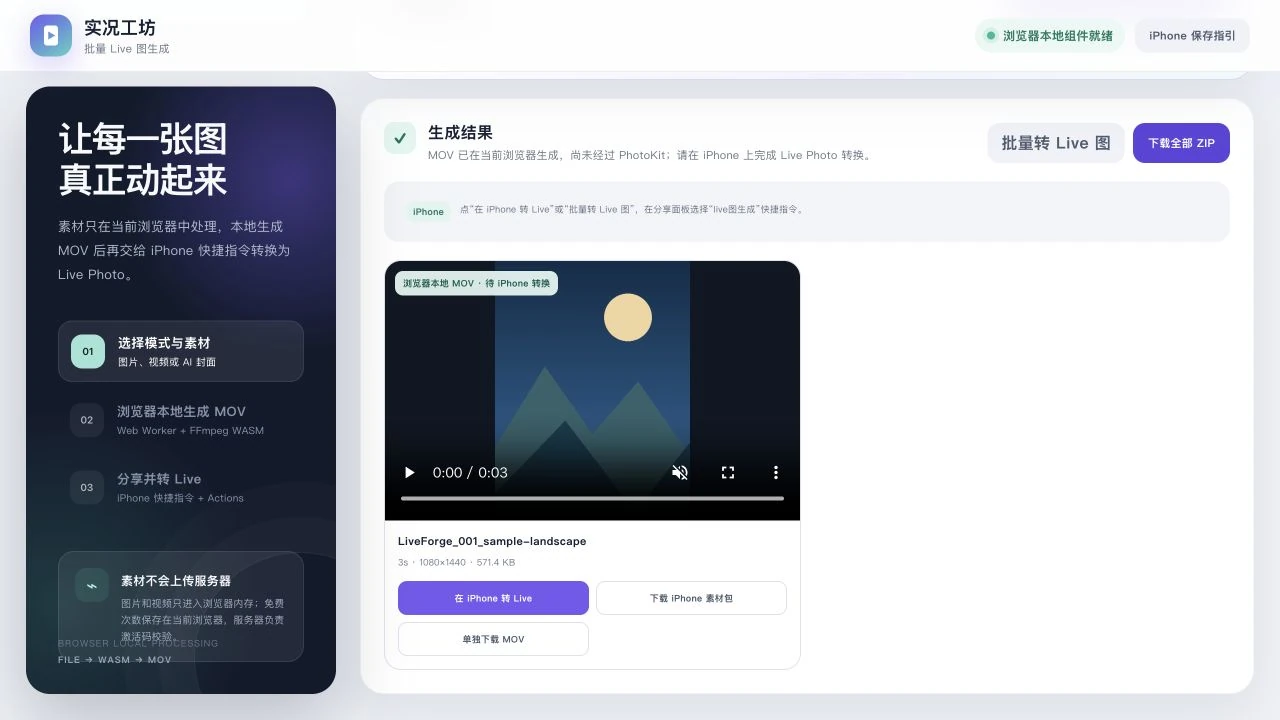
LiveForge MOV output
Real Chinese interface · Test MOV generated, awaiting iPhone conversion.
Back to all projects →